
Select
Set the desired length and character types.
INTERACTIVE TOOL
Create a custom password in a few steps and copy it directly to your clipboard.
Generation takes place entirely in your browser. The tool does not store or transmit passwords.

YOUR PASSWORD
Examples excluded I, l, 1, O and 0.
HOW IT WORKS
Set the desired length and character types.
The Web Crypto API selects characters locally and at random.
Copy the result directly to your device's clipboard.
WHY RANDOMNESS HELPS
People understandably tend to use names, words or familiar patterns. A randomly generated, long password that is used only once makes those personal assumptions less useful. It does not protect against every attack, but it is a more sensible starting point than a predictable or reused password.
A generator selects characters at random from the character set you choose. This avoids obvious words, names or keyboard patterns.
More length and a unique password for each account make systematic guessing harder and limit the damage if another account is affected.
A password manager saves you from having to remember many complex passwords. This makes it more realistic to use a separate password for every service.
Context based on CISA recommendations for strong passwords and NIST SP 800-63B. These notes are general guidance and not a security guarantee.
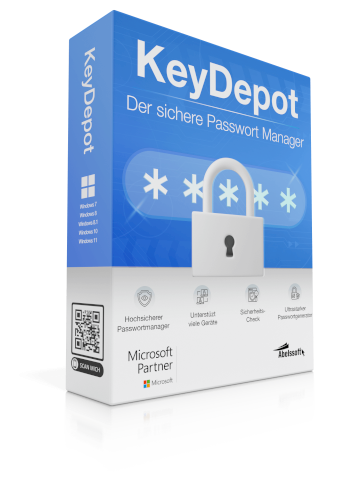
Official KeyDepot product image from the Abelssoft product page.
MORE THAN A GENERATOR
A new password is only the first step. KeyDepot is Abelssoft's password manager: manage your login data centrally, remember one master password and sign in conveniently to supported websites with a browser extension.
Centralized password management
Organize all important login details in one place.
Browser extension
Complete supported sign-ins more conveniently directly in your browser.
Integrated security check
KeyDepot evaluates stored login data according to its own criteria.
A LOOK INSIDE KEYDEPOT
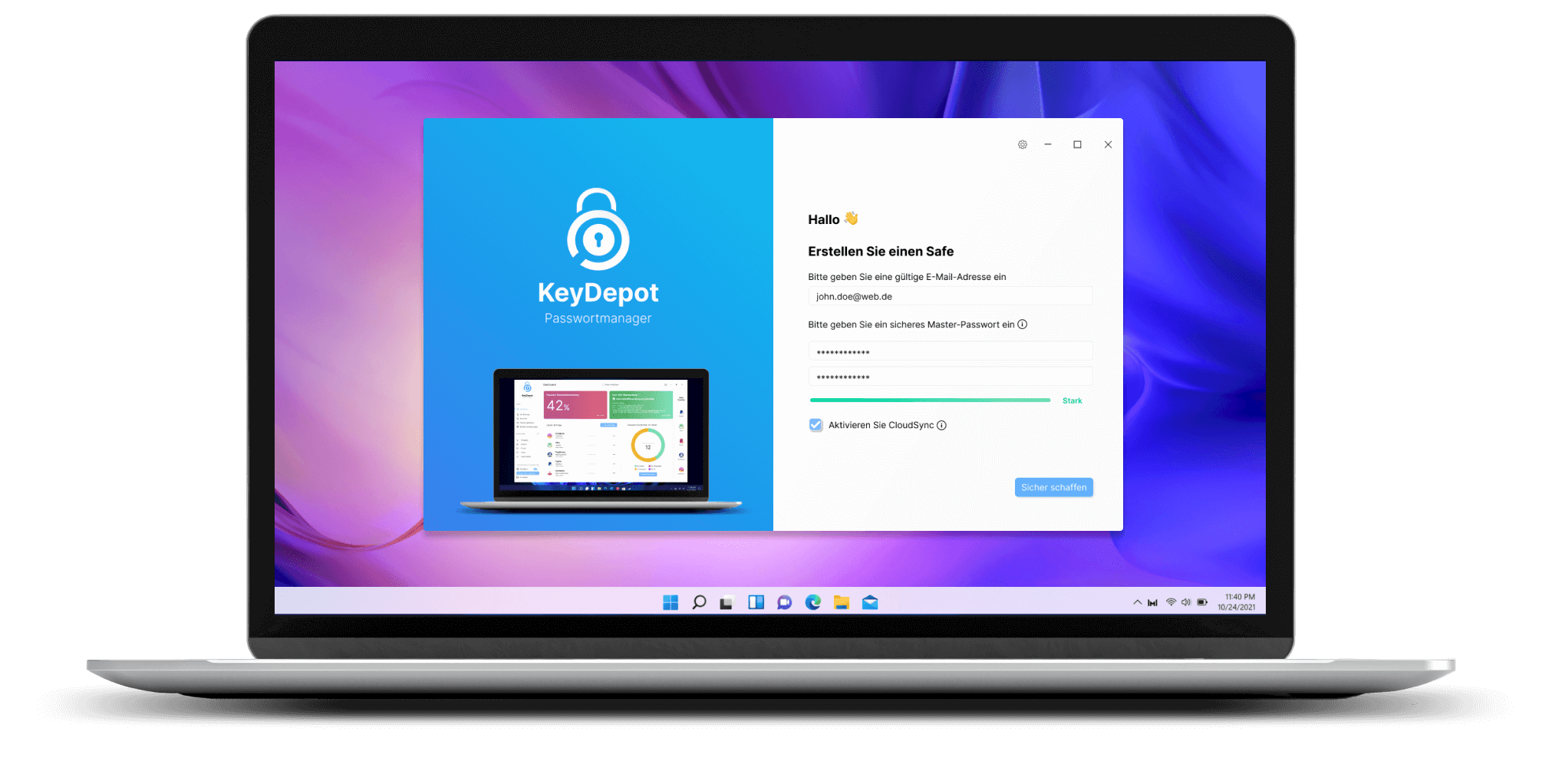
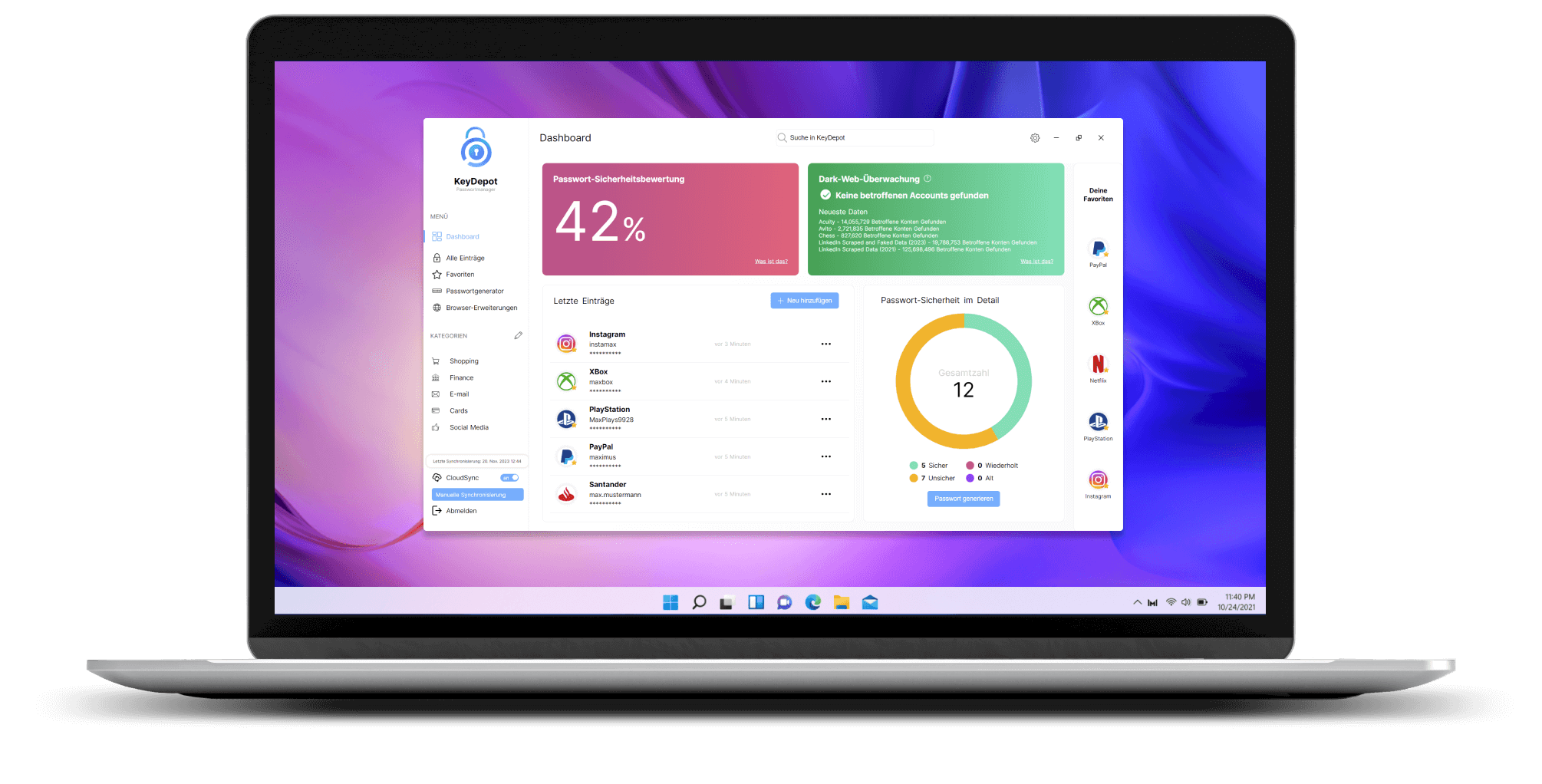
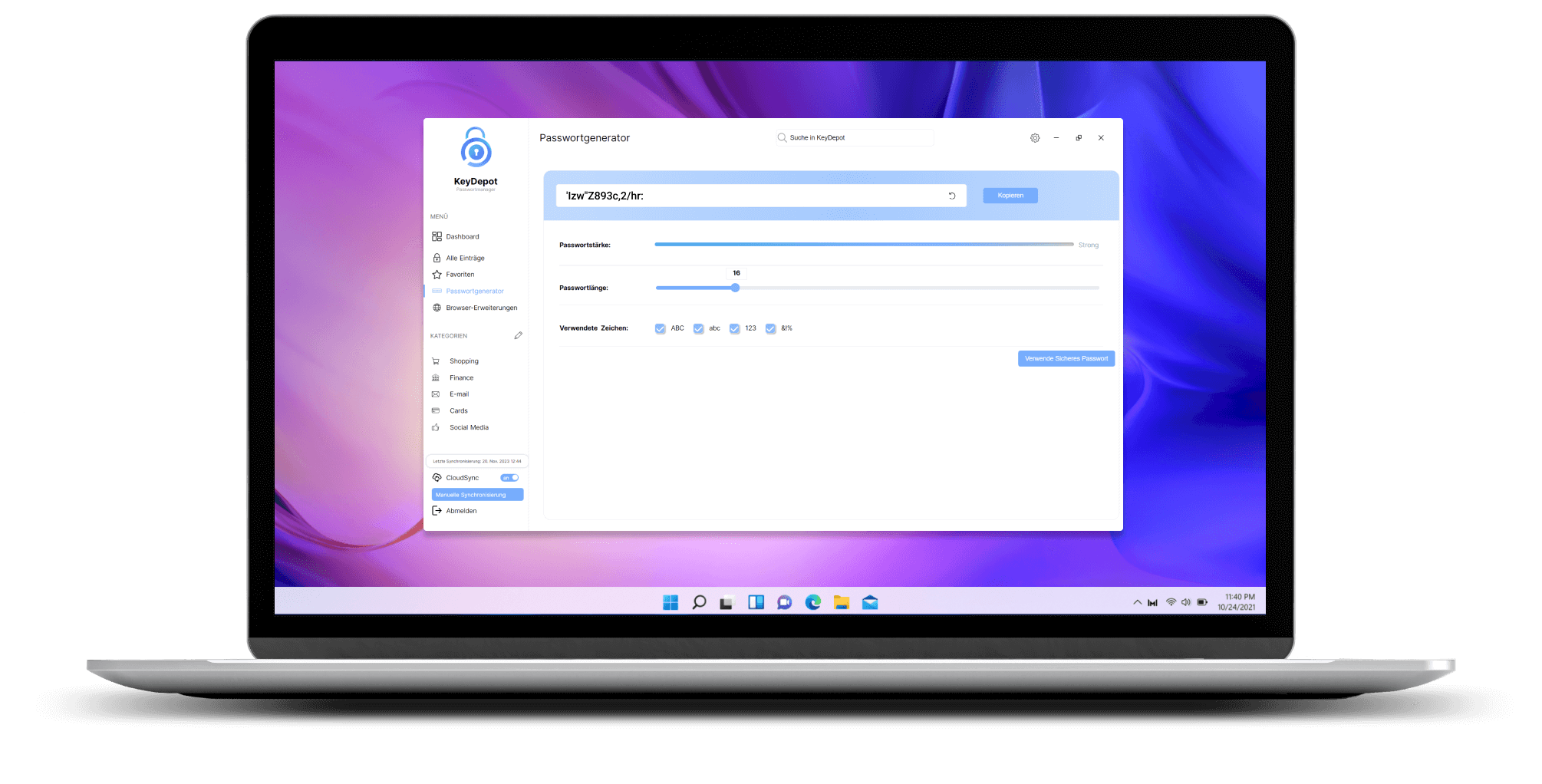
The following official product views show the safe setup, dashboard and password generator as examples.
PASSWORD MANAGEMENT WITH KEYDEPOT
With KeyDepot, you can manage your passwords centrally and conveniently sign in to supported websites.